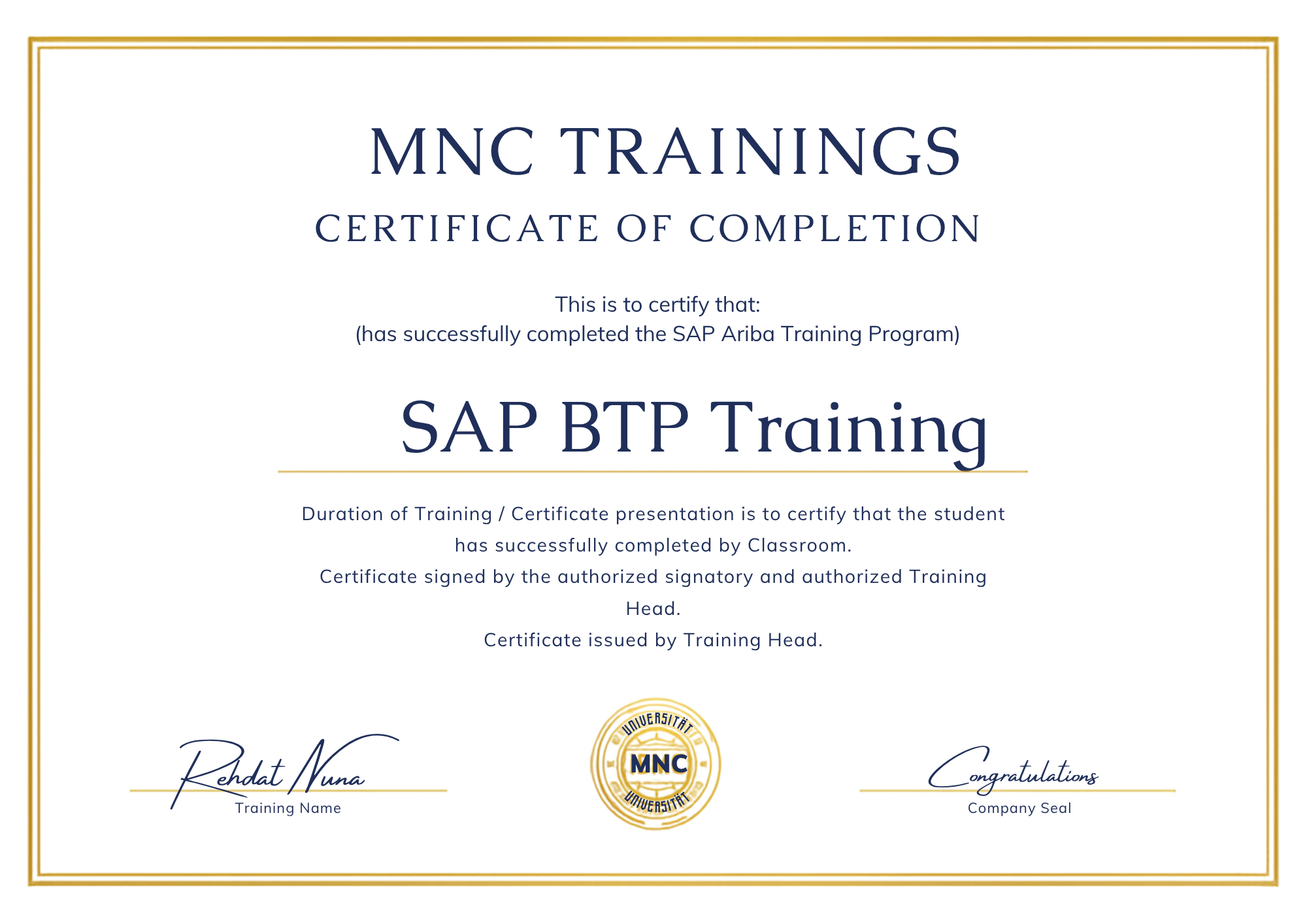
SAP BTP Training
SAP BTP Course
- 40 Hours Live Training Sessions & 5+ Softskill Classes
- 14+ Hours Project Practice & 38+ Assignments Modules
- 100+ Mock MCQs & 10+ Hours SAP BTP Exam Assistance
★ ★ ★ ★ ★ 4.9 (1931 Ratings)

Our Exclusive Course Offerings
Up skilling
Develop & reinforce skill set with upskilling aligned to your development plans offered during training
GCAO Training Model
Training Agenda is prepared post intensive training need analysis to ensure High ROI & Training Objective is met
JOB Opportunities
Crack 40,000+ SAP Job Vacancies for Experienced & Freshers certified SAP ARIBA professionals in US, & Middle East
10+ Webinars
Regular concept brush-up webinars conducted for SAP ARIBA Training Course
Comprehensive Curriculum
Follow the SAP Certification Curriculum designed in accordance with Industry needs
Experienced & Certified Trainers
Learn from Certified Trainers having 10+Years of Training Implementation Experience
Our Course Detailed Overview
Module 1: Introduction to SAP BTP Architecture
Introduction to SAP BTP Architecture provides an overview of the SAP Business Technology
Platform (BTP) architecture and its components. It covers the fundamentals of the platform, including the
different layers, services, and tools available. It also provides an introduction to the SAP Cloud Platform
and its capabilities. This module is designed to give administrators a comprehensive understanding of the
SAP BTP architecture and how to use it to manage their cloud environment.
Lessons
● Overview of SAP Business Technology Platform (BTP)
● Understanding the SAP BTP Architecture
● Exploring the SAP BTP Services
● Setting up SAP BTP Accounts
● Managing SAP BTP Subscriptions
● Configuring SAP BTP Security
● Working with SAP BTP Logging and Monitoring
● Integrating SAP BTP with On-Premise Systems
● Automating SAP BTP Administration Tasks
● . Troubleshooting SAP BTP Issues
After completing this module, students will be able to:
● Understand the core components of the SAP BTP architecture and how they interact with each
other.
● Identify the different types of services available in SAP BTP and how they can be used to build
applications.
● Understand the different deployment options available in SAP BTP and how to configure them.
● Learn how to monitor and manage the SAP BTP environment.
Module 2: SAP BTP Security and Access Control
Introduction to SAP Business Technology Platform (BTP) Administration course covers
the fundamentals of SAP BTP Security and Access Control. It provides an overview of the security and
access control features available in SAP BTP, including authentication, authorization, and user
management. It also covers the different security models available in SAP BTP, such as role-based
access control, and how to configure and manage them. Finally, it provides an introduction to the security
and access control features available in the SAP Cloud Platform.
Lessons
● Overview of SAP BTP Security and Access Control
● Understanding Authentication and Authorization
● Configuring User Management
● Managing Access Control
● Implementing Role-Based Access Control
● Understanding Single Sign-On
● Configuring Security Policies
● Managing Security Auditing
● Troubleshooting Security Issues
● . Best Practices for SAP BTP Security and Access Control
After completing this module, students will be able to:
● Understand the different authentication methods available in SAP BTP and how to configure them.
● Implement user and role-based access control in SAP BTP.
● Configure and manage user accounts and roles in SAP BTP.
● Utilize the SAP BTP Security and Access Control features to secure applications and data.
Module 3: SAP BTP Cloud Foundry Environment
Introduction to SAP Business Technology Platform (BTP) Administration course provides
an overview of the SAP BTP Cloud Foundry Environment. It covers topics such as the Cloud Foundry
architecture, the Cloud Foundry command line interface (CLI), and how to deploy applications to the
Cloud Foundry environment. It also provides an introduction to the Cloud Foundry services and how to
manage them.
Lessons
● Overview of SAP BTP Cloud Foundry Environment
● Understanding the Cloud Foundry Architecture
● Setting up a Cloud Foundry Environment
● Managing Cloud Foundry Applications
● Configuring Cloud Foundry Services
● Troubleshooting Cloud Foundry Issues
● Securing Cloud Foundry Applications
● Monitoring Cloud Foundry Performance
● Automating Cloud Foundry Deployments
● . Integrating Cloud Foundry with Other SAP BTP Services
After completing this module, students will be able to:
● Understand the architecture of the SAP BTP Cloud Foundry environment.
● Configure and manage the SAP BTP Cloud Foundry environment.
● Deploy and manage applications in the SAP BTP Cloud Foundry environment.
● Monitor and troubleshoot the SAP BTP Cloud Foundry environment.
Module 4: SAP BTP Application Deployment
Introduction to SAP Business Technology Platform (BTP) Administration course covers
the fundamentals of deploying applications on the SAP BTP platform. It covers topics such as creating
and managing applications, deploying applications, and troubleshooting deployment issues. It also
provides an overview of the different deployment options available on the platform.
Lessons
● Overview of SAP BTP Application Deployment
● Understanding the SAP BTP Deployment Model
● Configuring the SAP BTP Deployment Model
● Deploying Applications to SAP BTP
● Managing Application Deployment in SAP BTP
● Troubleshooting Application Deployment in SAP BTP
● Best Practices for Application Deployment in SAP BTP
After completing this module, students will be able to:
● Understand the fundamentals of SAP BTP and its components
● Configure and deploy applications on SAP BTP
● Monitor and troubleshoot applications running on SAP BTP
● Manage and secure applications running on SAP BTP
Module 5: SAP BTP Application Lifecycle Management
Introduction to SAP Business Technology Platform (BTP) Administration course covers
the Application Lifecycle Management (ALM) process for SAP BTP. It provides an overview of the ALM
process, including the different stages of the ALM cycle, the tools used to manage the ALM process, and
the best practices for successful ALM. It also covers the different types of ALM activities, such as
versioning, testing, and deployment. Finally, it provides an introduction to the SAP BTP ALM tools and
how to use them.
Lessons
● Overview of SAP BTP Application Lifecycle Management
● Understanding the SAP BTP Application Lifecycle Management Process
● Setting Up and Configuring SAP BTP Application Lifecycle Management
● Managing SAP BTP Application Lifecycle Management
● Troubleshooting SAP BTP Application Lifecycle Management
● Best Practices for SAP BTP Application Lifecycle Management
● Automating SAP BTP Application Lifecycle Management
● Integrating SAP BTP Application Lifecycle Management with Other SAP Solutions
● Security and Compliance Considerations for SAP BTP Application Lifecycle Management
● . Monitoring and Optimizing SAP BTP Application Lifecycle Management
After completing this module, students will be able to:
● Understand the fundamentals of SAP BTP Application Lifecycle Management (ALM)
● Configure and manage SAP BTP ALM processes
● Utilize SAP BTP ALM tools to deploy and manage applications
● Monitor and troubleshoot SAP BTP ALM processes and applications
Module 6: SAP BTP Monitoring and Troubleshooting
Introduction to SAP Business Technology Platform (BTP) Administration course covers
the fundamentals of monitoring and troubleshooting SAP BTP. It provides an overview of the monitoring
and troubleshooting tools available in SAP BTP, as well as best practices for monitoring and
troubleshooting SAP BTP applications. It also covers how to use the SAP BTP monitoring and
troubleshooting tools to identify and resolve issues.
Lessons
● Overview of SAP BTP Monitoring and Troubleshooting
● Monitoring SAP BTP Services
● Troubleshooting SAP BTP Services
● Analyzing Logs and Traces
● Working with SAP BTP Support
● Best Practices for Monitoring and Troubleshooting SAP BTP Services
After completing this module, students will be able to:
● Understand the architecture of SAP BTP and its components.
● Monitor and troubleshoot SAP BTP services and applications.
● Utilize the SAP BTP monitoring and troubleshooting tools.
● Identify and resolve common issues related to SAP BTP.
Module 7: SAP BTP Integration and Automation
Introduction to SAP Business Technology Platform (BTP) Administration course covers
the integration and automation capabilities of SAP BTP. It provides an overview of the various integration
and automation tools available, such as SAP Cloud Platform Integration, SAP Cloud Platform Workflow,
and SAP Cloud Platform Business Rules. It also covers how to configure and use these tools to automate
processes and integrate applications.
Lessons
● Overview of SAP BTP Integration and Automation
● Introduction to SAP Cloud Platform Integration
● Understanding SAP Cloud Platform Workflow
● Working with SAP Cloud Platform Integration Content
● Automating Business Processes with SAP Cloud Platform Workflow
● Integrating SAP Cloud Platform with External Systems
● Troubleshooting SAP Cloud Platform Integration
● Best Practices for SAP BTP Integration and Automation
After completing this module, students will be able to:
● Understand the fundamentals of SAP BTP and its integration capabilities.
● Configure and manage SAP BTP integration services.
● Automate business processes using SAP BTP integration services.
● Monitor and troubleshoot SAP BTP integration services.